CQC registration4:10
CQC 2025 Registration Changes, What Was Removed? Documents, Portal Updates and What to Do Instead
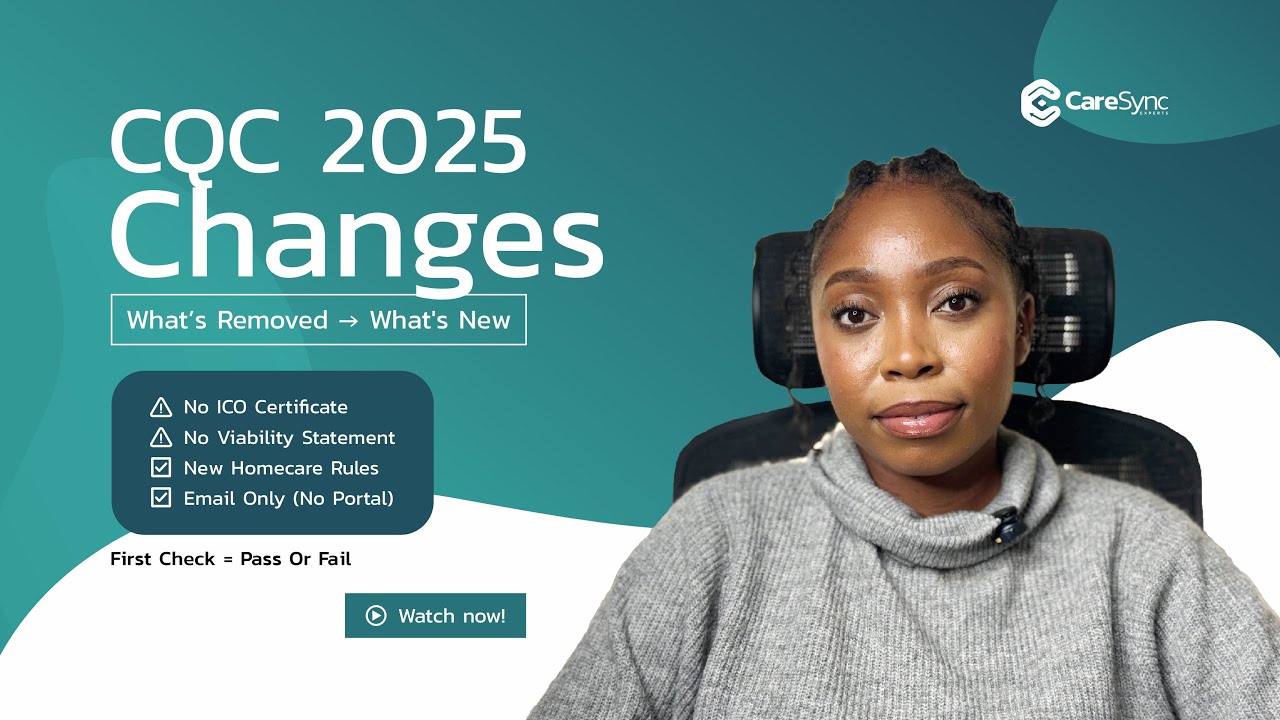
What changed in the CQC registration process in 2025: the documents no longer attached at submission, and what is still required.
In this video
Transcript
628 words, about 3 minutes to read. Press a time to play from that moment.
Introduction & 2025 Registration Rule Changes
If you're starting a home care or supported living service in England, CQC changed the registration rules in 2025. In this video, I will show you what was removed, what stayed, and what is new for home care, and the exact steps to pass the first check. From July 2025, CQC updated the supporting documents rules. Homecare now has its own evidence list.
Some documents are no longer needed at the moment you submit, and some new items are now required.
CPC Update on Supporting Documents from July 2025
From November 2024, you cannot apply inside the provider portal. You download the files and apply by email. This part is only about what you attach at submission. Your legal duties still stand. You do not attach your ICO certificate when you submit a homecare application. Register with the ICO when you begin handling personal data.
Next, you don't need to attach a financial viability statement at submission for home care.
Home Care Application Process & ICO Certificate Guidance
However, CQC can still look at financial viability in assessment.
You do not need to apply through the provider portal. A new provider and new manager application forms go through email. You still need a complete tailored policy set and the core documents on the main supporting documents list. That includes consent, equality, good governance, infection control, medicines, recruitment, safeguarding, and a current statement of purpose.
Supported living follows the main list and may be asked for more information during assessment.
Financial Viability Statement & New Application Forms
For home care, the evidence page now calls out several items very clearly. Read that page line by line before you build your pack. First, an additional form for providers of personal care. Complete it and be ready to show local need if you plan local authority funded work. Two, evidence of legal occupancy for your office location.
This can be title deeds, a tenancy or licence agreement or written permission from a landlord or mortgage provider.
Required Policies and Core Documents Overview
Three is a training plan.
Show induction, refreshers, specialist training, how you support overseas workers and the name of the training provider. Four is a complaints policy at submission. Explain how you will handle complaints fairly if your nominated individual and registered manager is the same person. Five, make sure to have a service user guide which shows pricing, safeguarding, and how to complain as well as other required content.
Next is home care workflow checks. CQC will reject incomplete packs at the first check.
Home Care Specific Evidence: Personal Care Form & Legal Occupancy Proof
Attach every document and name files clearly before you email. You can create a provider portal account only if you hold an eligible role such as nominated individual, registered manager, responsible individual or main partner, and the email must match records. You can submit selected notifications in the portal, and this includes allegations of abuse, death, serious injury, events that stop safe running, DoLS outcomes, police involvement, and unauthorised absence.
Training Plan, Complaints Policy & Service User Guide
You cannot apply as a new provider or a new registered manager in the portal. You must use forms and email for applications. Here is your action list. Open the main supporting documents page and the homecare evidence page and build your pack against them. For home care, add the extra items: additional personal care forms, legal occupancy proof, training plan, complaints policy, and service user guide.
Apply by email using the current forms and keep the full copy of what you send.
Home Care Workflow Checks & Document Naming
Use the provider portal for the notifications it supports and keep email routes for everything else. Only eligible roles should have access. If you want a CQC registration pack that passes the first check, we can help. We map your service to the current pages, create the home care items, and quality check your form so your submission is right the first time.
Provider Portal Usage Restrictions & Application Submission
Book a planning call today and we will give you a clear plan, ready to send back.
Transcribed from the video's captions and lightly edited. Where the wording differs, the video is the record.
Want help with this?
Tell us where you are now and we will tell you honestly what it will take, and what we would do first.
More on cqc registration
All cqc registration videos 15 minutes 42 seconds14-Month Wait for CQC Registration? Do This InsteadCQC registration
 14 minutes 59 secondsDom Care First? Here's Why CQC Expects More in 2026CQC registration
 7 minutes 2 secondsYour CQC Application Was Rejected, Don't Make These Mistakes AgainCQC registration
 6 minutesMissing Policies? Here's What CQC Will FlagCQC registration
 7 minutes 37 secondsNew CQC Rules February 2026: No Second Chances on Your ApplicationCQC registration
 5 minutes 12 secondsRegistered Manager Required: CQC's New 2025 Home Care Registration RulesCQC registration